

U.S. passport photo help
U.S. passport photo guides
Start with the part of the process that is giving you trouble, then check your original photo before you print it or upload it to an eligible online renewal.
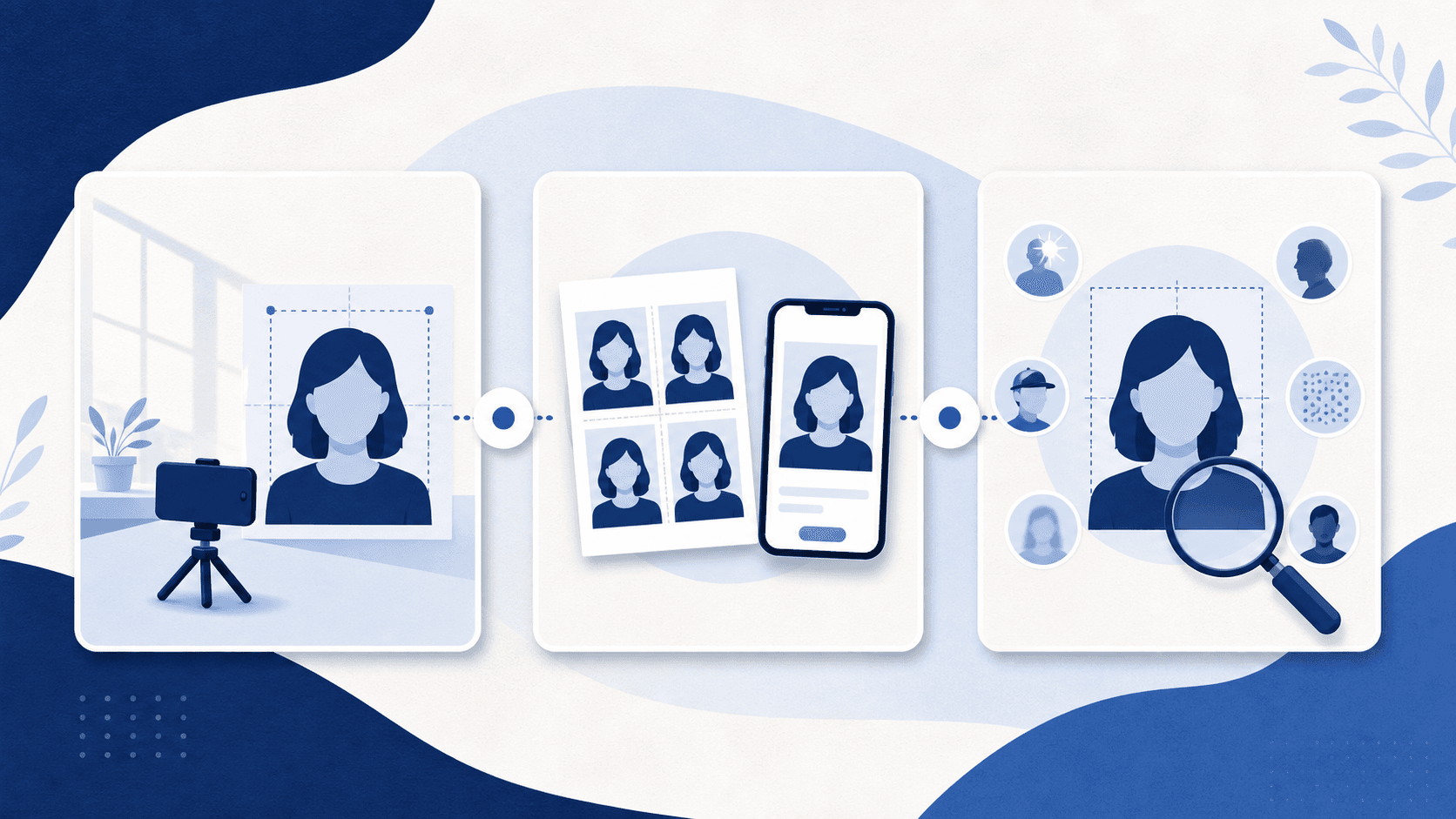
Take your photo at home
Set up the background, light, clothing, pose, and camera without creating an edited image.
Paper application photo guide →Focused guides: Baby photo guide, Background guide.
Passport Photo Makeup, Beard, and JewelryWhat you can wear in a U.S. passport photo: makeup, beards, piercings, jewelry, hair, and clothing — and the few things that must come off.Baby Passport Photo Requirements and Common MistakesA practical guide to U.S. baby passport photo requirements: the sheet and car-seat setups, infant eye flexibility, and mistakes that can lead to rejection.Can You Take a Passport Photo With an iPhone?Yes. An iPhone passport photo works if it is sharp, original, and unedited. The camera settings, setup, and file handling that keep it compliant.U.S. Passport Photo Rules: Avoid Common Rejection RisksA practical guide to U.S. passport photo rules, including lighting, expression, glasses, clothing, printing, and unedited images.How to Take a Passport Photo at HomeTake a U.S. passport photo at home with the right background, lighting, pose, framing, and no digital edits.
Choose the right print or upload
Understand the difference between a paper-application print and an eligible online-renewal upload.
Digital upload guide →Focused guides: Photo size guide, Print-at-home guide.
Matte or Glossy Passport Photos? U.S. Paper RulesU.S. passport photos can use matte or glossy photo-quality paper. Check the 2 x 2 inch size, sharpness, and print condition before submitting.How to Print a Passport Photo CheaplyA low-cost way to print a U.S. passport photo without cutting corners on the size, paper, and source-photo rules that matter.Can You Scan a Passport Photo for U.S. Online Renewal?You cannot scan or photograph a print for U.S. online passport renewal. Use the original digital file or take a new photo. Learn what to request from a store.Online Passport Renewal Photo File Size and FormatsU.S. online renewal accepts JPG, JPEG, PNG, HEIC, or HEIF photos between 54 KB and 10 MB. Check the original file and avoid scans or image edits.Where to Print a Passport Photo Near YouHow to find a local place to print a U.S. passport photo, what to bring, and the print requirements to check before you submit it.Digital or Printed Passport Photo? Choose the Right FormatOnline U.S. passport renewal needs a digital upload; paper applications need a 2 x 2 inch print. Choose your route before preparing the photo.U.S. Passport Photo Rules: Avoid Common Rejection RisksA practical guide to U.S. passport photo rules, including lighting, expression, glasses, clothing, printing, and unedited images.
Avoid a rejected photo
Identify the common problems to fix by retaking the photo before you submit it.
Check a photo for free →Focused guides: Walgreens service guide.
Baby Passport Photo Requirements and Common MistakesA practical guide to U.S. baby passport photo requirements: the sheet and car-seat setups, infant eye flexibility, and mistakes that can lead to rejection.Passport Photo Checker: What It Can and Cannot CheckHow a passport photo checker works, which U.S. rules it can verify, which it cannot, and why the government still makes the final acceptance decision.What Happens If Your Passport Photo Is Rejected?A rejected passport photo can delay your application. Learn what to watch for and how to respond.U.S. Passport Photo Rules: Avoid Common Rejection RisksA practical guide to U.S. passport photo rules, including lighting, expression, glasses, clothing, printing, and unedited images.Can You Use AI for a U.S. Passport Photo? Rules and LimitsAI-generated photos and edits do not meet U.S. passport photo rules. Learn the difference between altering a photo, checking it, and cropping for upload.