
Check these details before you submit
The safest U.S. passport photo is a recent, original color photo: face the camera straight on, keep both eyes visible and your mouth closed, use even light against a plain white or off-white background, and do not digitally alter the image. For a paper application, print the final photo at 2 by 2 inches on matte or glossy photo-quality paper.
The U.S. Department of State says unacceptable photos are the number-one reason applications are put on hold. That makes a photo worth checking as a whole. A correct crop does not make up for glare, shadows, a visible wall texture, an open mouth, or a changed background.
Start with a real, recent photo
Take the photo within the last six months. It must be color, sharp, and an original image—not a scan of a printed photo. Use the highest-quality camera setting available and take several shots before choosing one.
The key distinction is useful: formatting a photo for its required output is different from changing what the camera captured. Do not use filters, retouching, background replacement, red-eye correction, or artificial intelligence to fix a problem. If the original has a lighting or background issue, retake it.
Size and framing
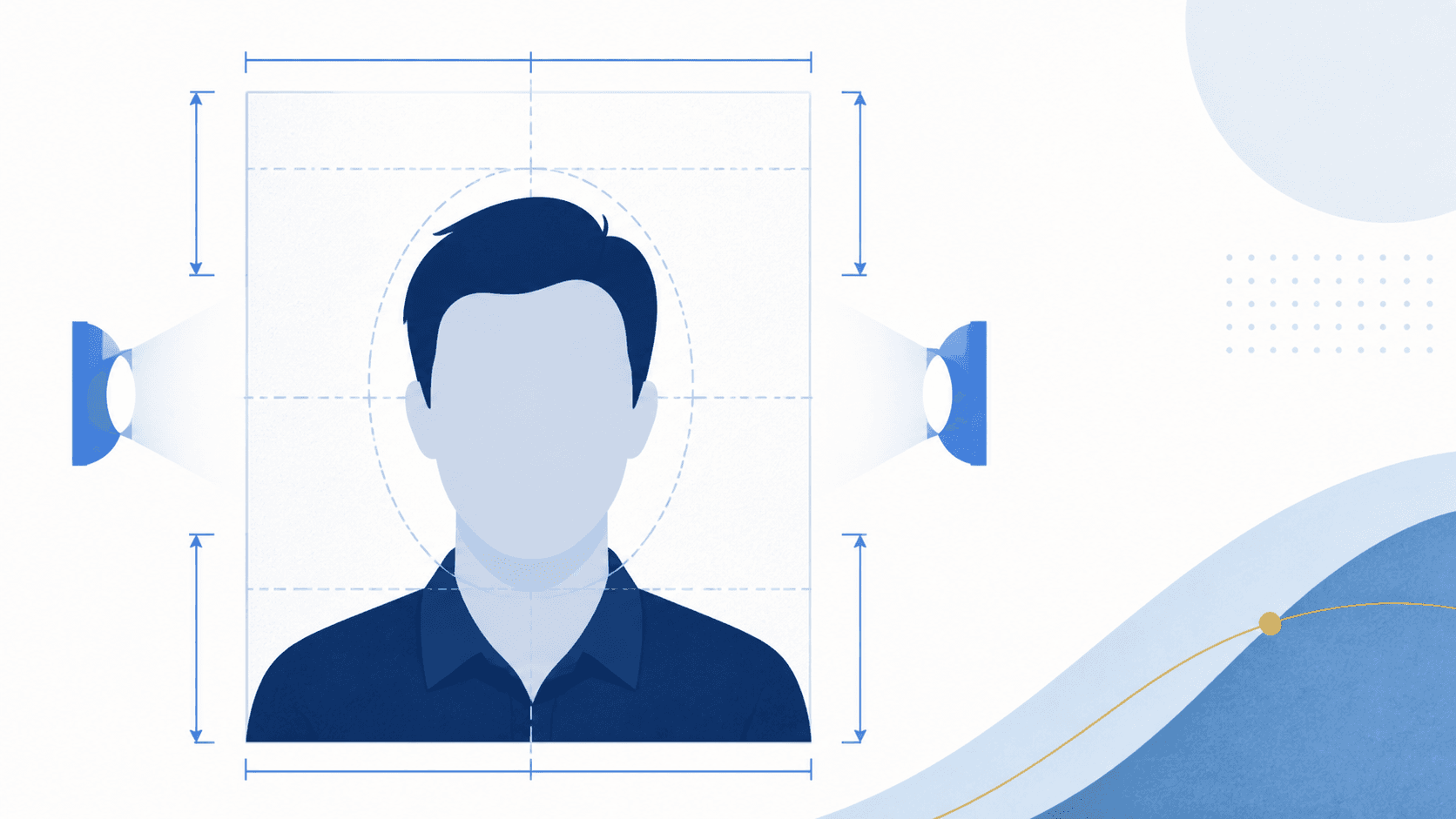
For printed U.S. passport photos, the final image must be 2 by 2 inches (51 by 51 mm). Your head should be centered and measure 1 to 1 3/8 inches (25 to 35 mm), from the bottom of the chin to the top of the head.
Stand several feet from the camera and keep your whole head visible. Too close, too far away, tilted, or tightly cropped are all avoidable framing risks. Your hair can extend past the photo edge if your whole head is shown and correctly sized.
Lighting and shadows
A passport photo needs uniform light on your face and a plain white or off-white background without shadows, texture, or objects. Avoid overhead-only light and lights far to one side; both can hide facial features or leave a shadow behind you.
Do not try to brighten, smooth, or repair the image afterward. Retaking the photo in better light is the safer route.
Face, hair, and expression
Face the camera directly, with your full face in view and your head not tilted. Keep both eyes open, visible, and free of hair or other obstructions. You may smile, but keep your mouth closed and avoid exaggerated expressions.
Your ears do not need to be deliberately visible. The rule is about a clear, unobstructed full face. Tuck hair back only when it covers part of your face or eyes.
Glasses, hats, and face coverage
Remove eyeglasses, sunglasses, tinted glasses, hats, headphones, and face coverings. Clear lenses still count as eyeglasses. A medical exception for glasses needs a signed doctor's note with the application.
Religious or medical head coverings can be permitted, but the full face must remain visible, with no shadows or blocked features. For paper or in-person applications, the State Department calls for a signed statement explaining the religious or medical purpose. Jewelry and facial piercings are fine when they do not hide the face.
Clothing and printed-photo quality
Wear normal everyday clothing. Do not wear a uniform, uniform-like clothing, camouflage, or devices in or on your ears. Avoid clothing that casts shadows or makes it harder to see the shape of your face.
For a paper application, use matte or glossy photo-quality paper—not office paper. The print must be sharp and free from visible pixels, printer dots, smudges, holes, creases, and red-eye. Do not submit photocopies or digitally scanned prints.
Paper application or online renewal: choose the right output
Paper applications use one printed 2-by-2-inch photo. Eligible online renewals use a digital photo upload instead. The same visual requirements matter in both routes, but the output and application process differ. Check the State Department's current online renewal eligibility and digital photo upload guidance before choosing the digital route.
A final pre-submission check
Before printing or uploading, review these questions together:
- Was this original color photo taken within the last six months?
- Is the full face centered, looking straight ahead, with eyes open and mouth closed?
- Is the background plain white or off-white, with even light and no shadows?
- Are glasses, hats, headphones, masks, and face-blocking hair removed?
- Is the image unedited—no filters, retouching, background replacement, or AI changes?
- If printing, is it a sharp 2-by-2-inch photo on matte or glossy photo-quality paper?
What a photo checker can and cannot do
The useful role of a checker is to flag common risks before you commit to a print or upload. PassportSnapper checks your real photo and prepares the appropriate output; it does not retouch faces, replace backgrounds, or use AI to make an unacceptable photo appear compliant. Government reviewers still make the final decision, especially for exceptions and borderline cases.
If you have an unedited original, use the paper application photo checker for a printed application or the digital renewal photo checker if you are eligible to renew online.