

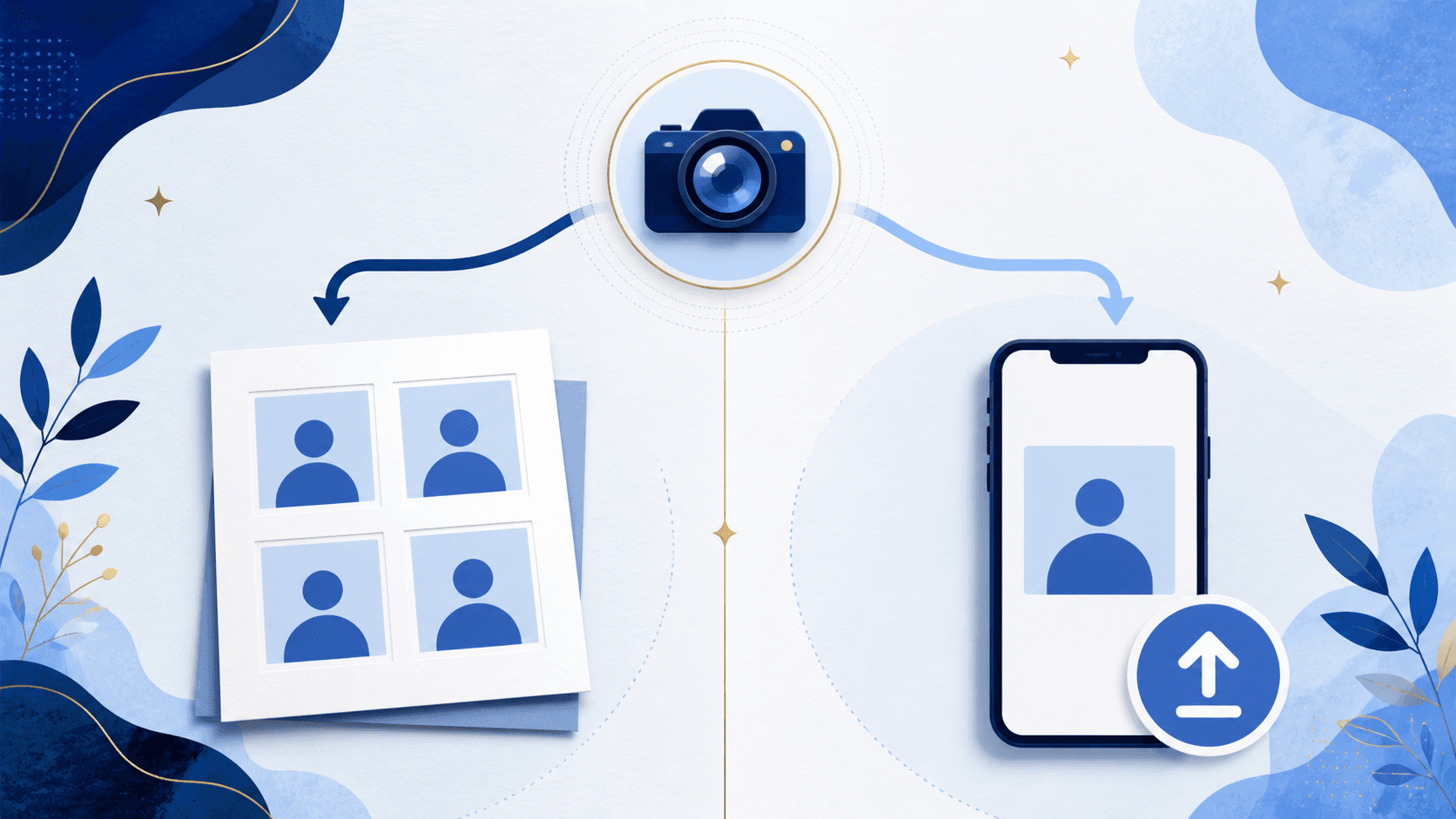
Which photo does your application need?
Use a digital passport photo only when your application route accepts an online photo upload — currently, eligible U.S. online renewal. Use a printed 2 x 2 inch photo on photo-quality paper for every paper route: first-time applications, children under 16, most replacements, and mail-in renewals using the paper form. The visual rules are the same for both; the output, the file handling, and the failure modes are not.
The decision is about the application route, not the photo
The same person can need different photo outputs depending on how they apply. A digital upload-ready file is not the same thing as a printed 2 x 2 photo, a picture of a printed photo is not a safe substitute for a digital upload, and a square image on your phone is not automatically a correct print.
Confirm your route first, then prepare the matching output.
| Your situation | Application route | Photo you need |
|---|---|---|
| First U.S. passport | Paper form, in person | One printed 2 x 2 photo |
| Child under 16 | Paper form, in person | One printed 2 x 2 photo |
| Renewal, eligible for online renewal | Online on the State Department site | Digital upload file |
| Renewal by mail with the paper form | Paper form, by mail | One printed 2 x 2 photo |
| Lost, stolen, or damaged passport | Paper form, in person | One printed 2 x 2 photo |
Online renewal eligibility has specific conditions that the State Department updates, so check the current online renewal eligibility rules before assuming the digital route is open to you. Use the State Department instructions for your specific application; photo format alone does not establish eligibility.
What a printed passport photo requires
The printed photo is a physical product with physical failure modes. The final image must be exactly 2 x 2 inches (51 x 51 mm), with your head centered and measuring 1 to 1 3/8 inches from the bottom of the chin to the top of the head. Print on matte or glossy photo-quality paper — regular office paper is a stated reason for rejection. The print must be sharp, with no visible pixels, printer dots, smudges, creases, or holes.
You only need one photo per paper application, but printing a 4x6 sheet with two 2 x 2 photos is the practical approach: you can inspect both prints and use an undamaged one. Printing prices vary by provider. The print-ready passport photo checker produces exactly that sheet, or see the print at home guide if you have a photo printer.
What a digital passport photo requires
The digital photo is a file with file-shaped failure modes. For online renewal, the State Department accepts JPG, JPEG, PNG, HEIC, and HEIF formats, with a file size between 54 KB and 10 MB. The upload must come from the original digital image — do not scan a printed photo, and do not photograph a print.
Two habits quietly break digital photos before upload. Texting or messaging the photo to yourself can recompress it and reduce quality below what review expects; transfer the original file instead. And editing apps that "improve" the image — smoothing, brightening, background cleanup — create a rejection risk of their own, because State Department guidance says not to digitally alter the photo. Have someone else take the photo from several feet away so your head is centered and fully visible.
See the file size and format guide for troubleshooting, then use the digital passport photo checker to check the original before preparing an upload file.
The same face, two different outputs
| Printed photo | Digital photo | |
|---|---|---|
| Used for | Paper applications | Eligible online renewal |
| Final format | 2 x 2 inch print on photo paper | JPG, JPEG, PNG, HEIC, or HEIF file |
| Size rule | 2 x 2 inches, head 1 to 1 3/8 inches | 54 KB to 10 MB; adjust crop in the official application |
| Biggest risks | Wrong paper, wrong printed size, print defects | Scanned print, recompressed file, edited image |
| Source image | Original, unedited photo | Original, unedited photo |
The bottom row is the part people miss: both routes start from the same kind of source image — recent, color, sharp, plain white or off-white background, no glasses, no filters, no retouching, no AI changes. If the underlying photo breaks the visual rules, neither output can save it. Our rejection risks guide covers those rules in detail.
When the output does not match the application
The most common crossover errors, in both directions:
- Preparing a beautiful print sheet, then discovering your renewal is online and you need the original file — which you deleted after printing.
- Uploading a photo of your printed photo to the online renewal portal, which the guidance explicitly rules out.
- Printing a digital file at a photo kiosk without size formatting, so the head measurement is wrong even though the image is compliant.
- Paying a retail counter twice: once for prints, then again for a digital copy that online renewal did not end up accepting because it was a scan.
Keep the original camera file until your passport arrives. It is the one artifact that can produce either output.
Preparing either format
PassportSnapper checks your real photo against the visual rules for free, then produces the output that matches your route for $8: a 4x6 print sheet with two 2 x 2 photos, or an upload-ready JPEG for eligible online renewal. It validates and formats the photo; it does not retouch, replace backgrounds, or make AI edits, and you submit the official application yourself. A passing result cannot guarantee acceptance. Review what the checker can and cannot know if you are deciding whether to retake your photo.
Print and upload questions
Can I print a digital passport photo?
Yes, if it is formatted for printing at the correct physical size and printed on matte or glossy photo-quality paper. A compliant upload file does not automatically print at 2 x 2 inches with the correct head size.
Can I scan a printed passport photo for online renewal?
No. The digital upload guidance says not to scan a physical photo or photograph a print. Use the original digital image from your phone or camera.
Can I use the same photo for a paper and an online application?
The same original camera file can produce both outputs, but each route needs its own prepared version: a correctly sized print for paper, an upload-ready file for online renewal.
Can I text the photo to myself before uploading?
Avoid it. The State Department warns that sending an image by text may reduce quality. Transfer the original file without recompression.
Does PassportSnapper submit my application?
No. PassportSnapper prepares and validates the photo output. You complete and submit the official passport application yourself on the State Department site.