

Accepted file types and sizes
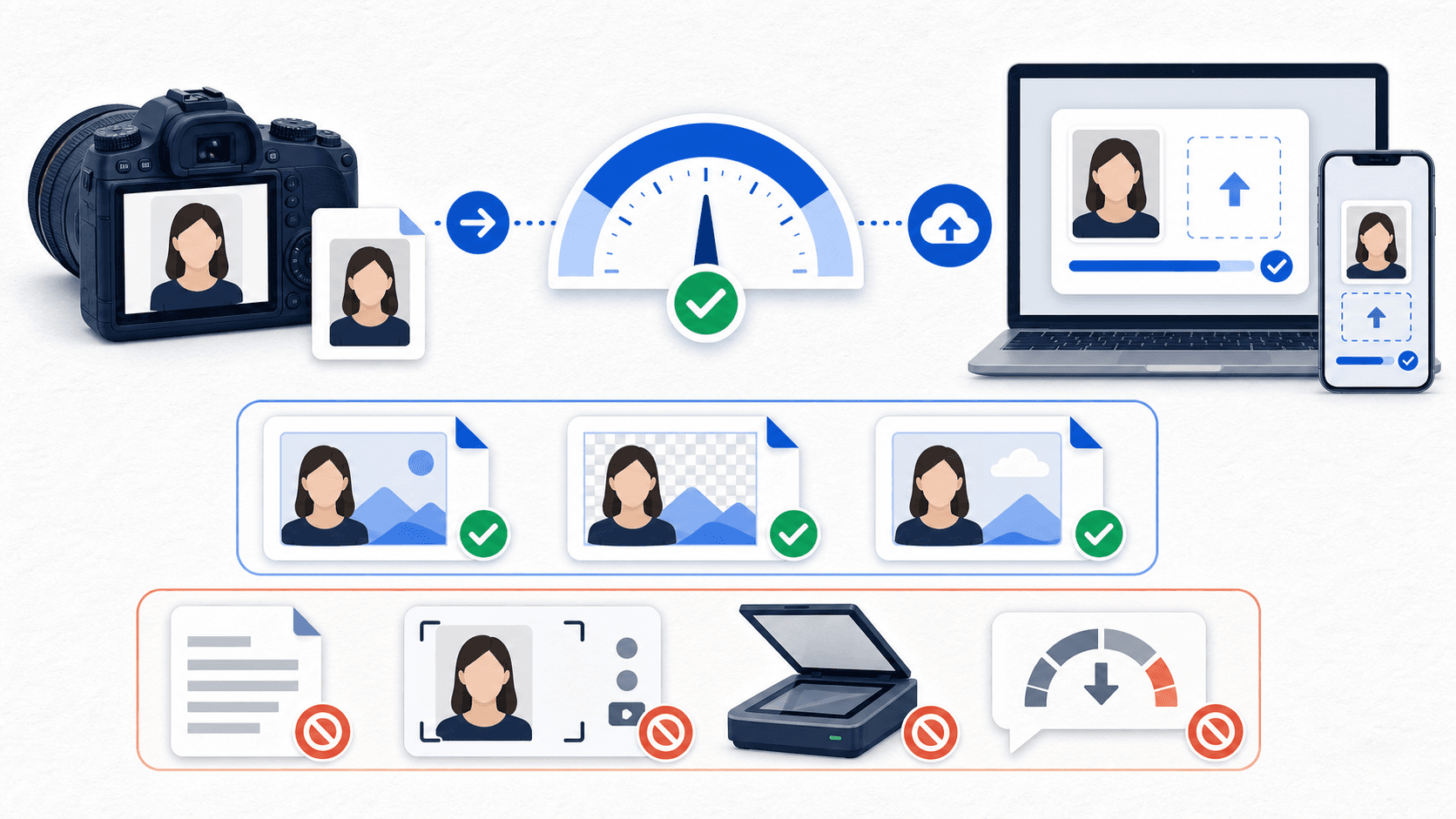
For U.S. online passport renewal, the State Department lists JPG, JPEG, PNG, HEIC, and HEIF as accepted digital photo file types, with a file size between 54 KB and 10 MB. Use the original digital image. The guidance excludes scans and photos of prints; a screenshot can reduce quality, so use the camera file instead. Check the actual file properties on your device before starting the form. These are online-renewal upload limits; a paper application instead needs a correctly sized physical print.
| Upload requirement | Accepted | Not accepted |
|---|---|---|
| File type | JPG, JPEG, PNG, HEIC, HEIF | PDF, WEBP, GIF, TIFF, and anything else |
| File size | 54 KB to 10 MB | Smaller or larger files |
| Source | Original digital image | Scans, photos of prints, screenshots |
| Image content | Unedited photo meeting all visual rules | Filtered, retouched, or AI-changed images |
File specs are the entry requirement, not the whole requirement
A file can have the right extension and the right size and still be rejected. The image itself needs a plain white or off-white background, even lighting, a centered head, visible eyes, no glasses, and no digital changes. The upload portal checks basics at submission, and a passport agency employee reviews the photo afterward.
The file type and size are only part of the upload requirements. Check the digital photo rules for framing, lighting, background, and other visual details.
If your file is too large
Modern phones can produce very large images — high-resolution modes, RAW capture, and some export settings can push a photo past 10 MB. Fixes, in order of preference:
- Find the original camera file rather than a large export created by another app.
- If your camera was in a high-resolution or professional mode, retake the photo in the standard photo mode.
- Use a tool that resizes the file for upload without altering the image content.
Do not screenshot the photo to shrink it, and do not run it through an editing app's "enhance" step — the first replaces the original with a lower-quality copy, and the second counts as a digital change.
If your file is too small
A file under 54 KB is below the upload guidance range. Check whether you are using a reduced copy. Possible causes:
- The photo arrived through a messaging app, which compressed it. Get the original transferred without compression — AirDrop, a cable, or a cloud photo library sync.
- The file is a thumbnail or a screenshot rather than the camera file.
- The photo was heavily cropped from a larger image, leaving too few pixels.
The State Department specifically warns that sending an image by text may reduce quality. If the original is gone, the reliable fix is to take a new photo rather than trying to upscale a compressed copy — upscaling is an edit, and it cannot recover detail that compression removed.
If the format is not on the list
PDF, WEBP, GIF, and TIFF are not in the State Department's list of accepted formats. Two practical notes:
- HEIC and HEIF are accepted, so a phone photo saved in either format does not need conversion merely to meet the format list.
- Converting a file's format (for example, HEIC to JPEG) changes how the image is stored, not what the photo shows. Keep the original and check the converted file for quality and size; conversion does not excuse changes to the subject or background. Changing the image content — smoothing, brightening, background cleanup — is not.
If a website or app gave you a WEBP or PDF version of your photo, go back to the original camera file instead of converting the derivative.
The provenance rule behind all of this
Every fix above follows one principle: the upload should trace back to the original digital capture. Do not scan a printed passport photo, do not photograph a print, and do not rebuild the file from a screenshot or a compressed copy. The guidance explicitly excludes scans and photos of prints. Screenshots can lose image detail, so use the original file. Our scan-versus-original guide explains what to request if a store only gave you prints.
Keep the original camera file until your passport arrives. Every valid output — upload file or print sheet — can be produced from it.
Check the file before you start the form
PassportSnapper checks the file and the visual rejection risks together, for free, before you begin the official renewal application. The $8 digital output is a 600 x 600 JPEG prepared from your original photo. A passing check does not guarantee government acceptance. Use the digital passport photo checker for eligible online renewal, and see the full requirements checklist before you submit.
File upload questions
Is PDF accepted for the online renewal photo upload?
No. Use one of the image formats in the State Department upload guidance: JPG, JPEG, PNG, HEIC, or HEIF.
Is HEIC accepted?
Yes. HEIC and HEIF are listed as accepted formats. A photo saved in either format still needs to meet the size and visual requirements.
What if my photo is over 10 MB?
First find the original file; if that is still too large, retake in standard photo mode or prepare a smaller file without retouching. Keep it sharp and in focus. Do not use a screenshot or an enhancement filter.
Can I upload a screenshot of my photo?
No. A screenshot is a new, lower-quality copy, not the original image. Upload the camera file itself.
Can I crop the photo during upload?
The official upload flow lets you reposition or crop an original photo. That is expected formatting — but the photo still has to meet the visual requirements and will be reviewed by an employee after submission.