

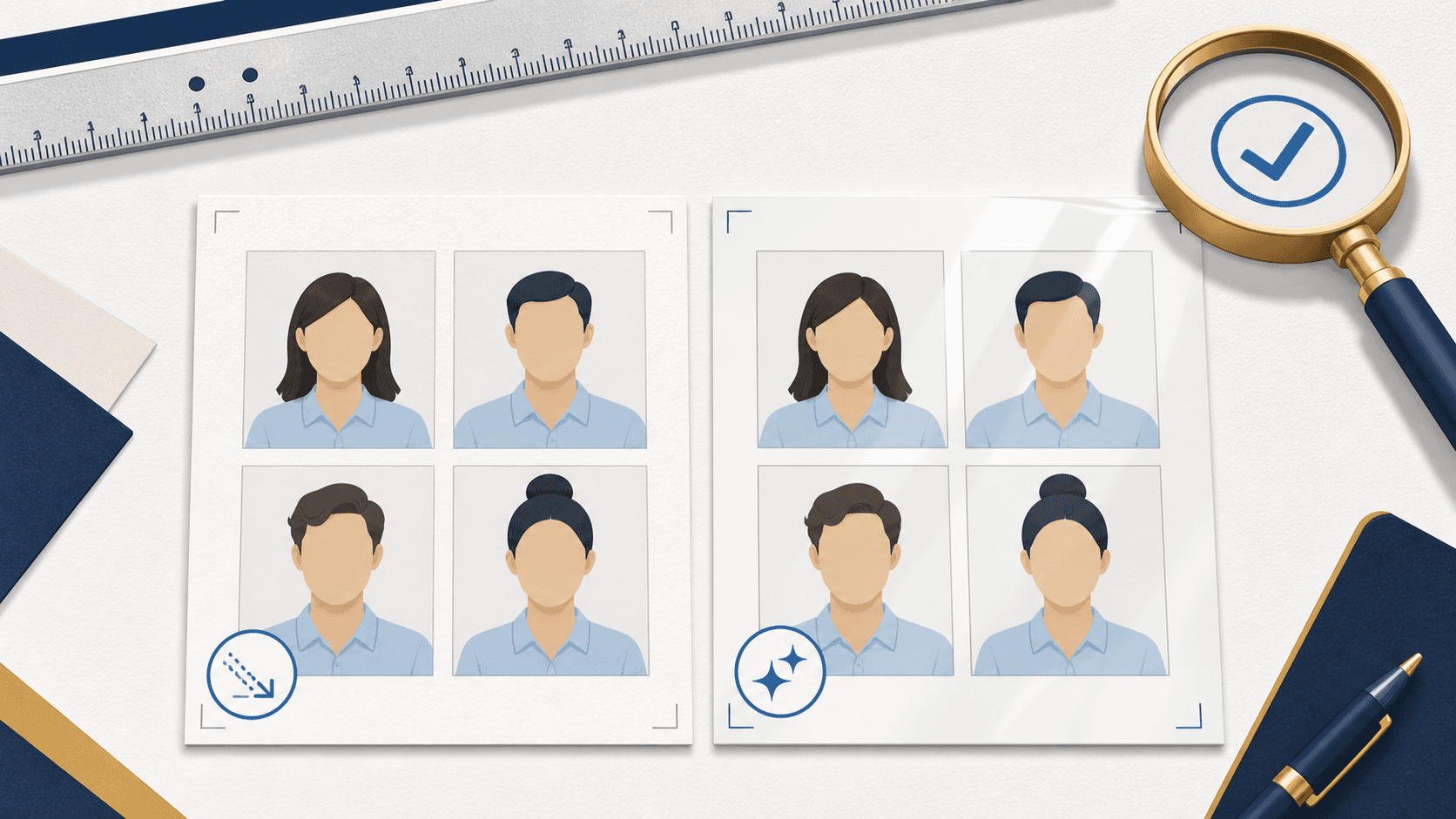
Matte or glossy: either is allowed
Yes — for a paper U.S. passport application, print the photo on matte or glossy photo-quality paper. Both finishes are acceptable. Regular office paper, photocopies, scans of photos, and damaged prints are not. The paper finish matters less than the source photo, the exact 2 x 2 inch output, and the quality of the final print.
The State Department rules do not prefer one finish. Choose available photo-quality paper and inspect the finished print; a glossy reflection under a lamp is different from glare already captured on your face.
Do passport photos need photo paper?
They do for a paper application. “Photo paper” means a proper matte or glossy photographic print, not plain copy paper from an office printer. You do not need a special passport-photo package, though: a correctly formatted 4 x 6 inch photo sheet can be ordered as a normal photo print if it contains two 2 x 2 inch photos.
If you are renewing online and eligible for that route, you need an upload-ready digital photo instead of a print. Check the current online renewal guidance before choosing between the paper and digital outputs.
The actual tradeoffs
| Matte | Glossy | |
|---|---|---|
| Acceptable for U.S. passports | Yes | Yes |
| What to inspect | Sharp detail and natural color | Sharp detail and natural color |
| Glare under light | Low | Can reflect under bright light |
| Handling | Keep the surface clean and undamaged | Keep the surface clean and undamaged |
| Government preference | None stated | None stated |
The finished result matters more than the label on the paper box. Printer settings, scaling, and source-image quality can spoil a print in either finish.
What matters more than the finish
Paper finish is the last item on the checklist, not the first. A print on perfect paper still fails if:
- The photo is not exactly 2 x 2 inches, or the head is not 1 to 1 3/8 inches from chin to top of head.
- The head is off-center or cropped.
- The background shows shadows, texture, or objects.
- The face is blurry, grainy, washed out, or too dark.
- The print has smudges, creases, holes, banding, or visible printer dots.
- The source image was scanned, retouched, filtered, or AI-edited.
The source photo and the formatting determine almost everything. Get those right first — our rejection risks guide covers the visual rules — and then any competent photo print finishes the job.
Where to print
A retail photo counter, as a standard 4x6 print. If your photo is formatted as a 4x6 sheet with two 2 x 2 photos on it, ask for a normal 4x6 photo print on photo paper. Confirm the price and disable automatic image enhancements or scaling when ordering. The print at home guide covers the home workflow.
A home photo printer. Use actual photo paper, select the photo-paper setting in the print dialog, and print at 100% scale — "fit to page" silently resizes the image and breaks the 2 x 2 measurement. Check that your paper is compatible with the printer and inspect the result.
Not an office printer on plain paper. Laser and inkjet prints on copy paper produce weak color, soft detail, and visible toner or ink patterns — regular paper is a stated reason printed photos get rejected.
Inspect the print before you submit it
Thirty seconds with a ruler saves a resubmission:
- Measure the photo: exactly 2 x 2 inches.
- Measure the head: 1 to 1 3/8 inches, chin to top of head.
- Look closely for printer dots, banding, or smudges, especially in the background.
- Check that skin tone looks natural, not oversaturated or color-shifted.
- Confirm the surface is clean, flat, and undamaged.
If any check fails, reprint — do not submit a borderline print and hope.
Start with a validated file: the print-ready passport photo checker checks your photo for free and produces the formatted 4x6 sheet for $8. If you are eligible for online renewal, skip printing entirely and use the digital photo checker.
Paper and printing questions
Is glossy passport photo paper allowed?
Yes. Glossy photo-quality paper is acceptable. Handle it by the edges so fingerprints do not mark the surface.
Is matte passport photo paper allowed?
Yes. Matte photo-quality paper is acceptable. Keep the surface clean and free of damage.
Does the paper brand or weight matter?
The State Department guidance does not name a brand or paper weight. It specifies matte or glossy photo-quality paper and requires a sharp, undamaged print; a brand label alone does not establish that the output meets those rules.
Can I print my passport photo as a regular 4x6 at a photo counter?
Yes. Ask for a 4x6 photo print, not a document print, and use a file formatted with correctly sized 2 x 2 photos. Inspect the finished sheet before cutting or submitting it.
Can I submit a photocopy or a scanned print?
No. Photocopies and digitally scanned photos are ruled out. Print from the original digital file.