
Can AI be used for a passport photo?
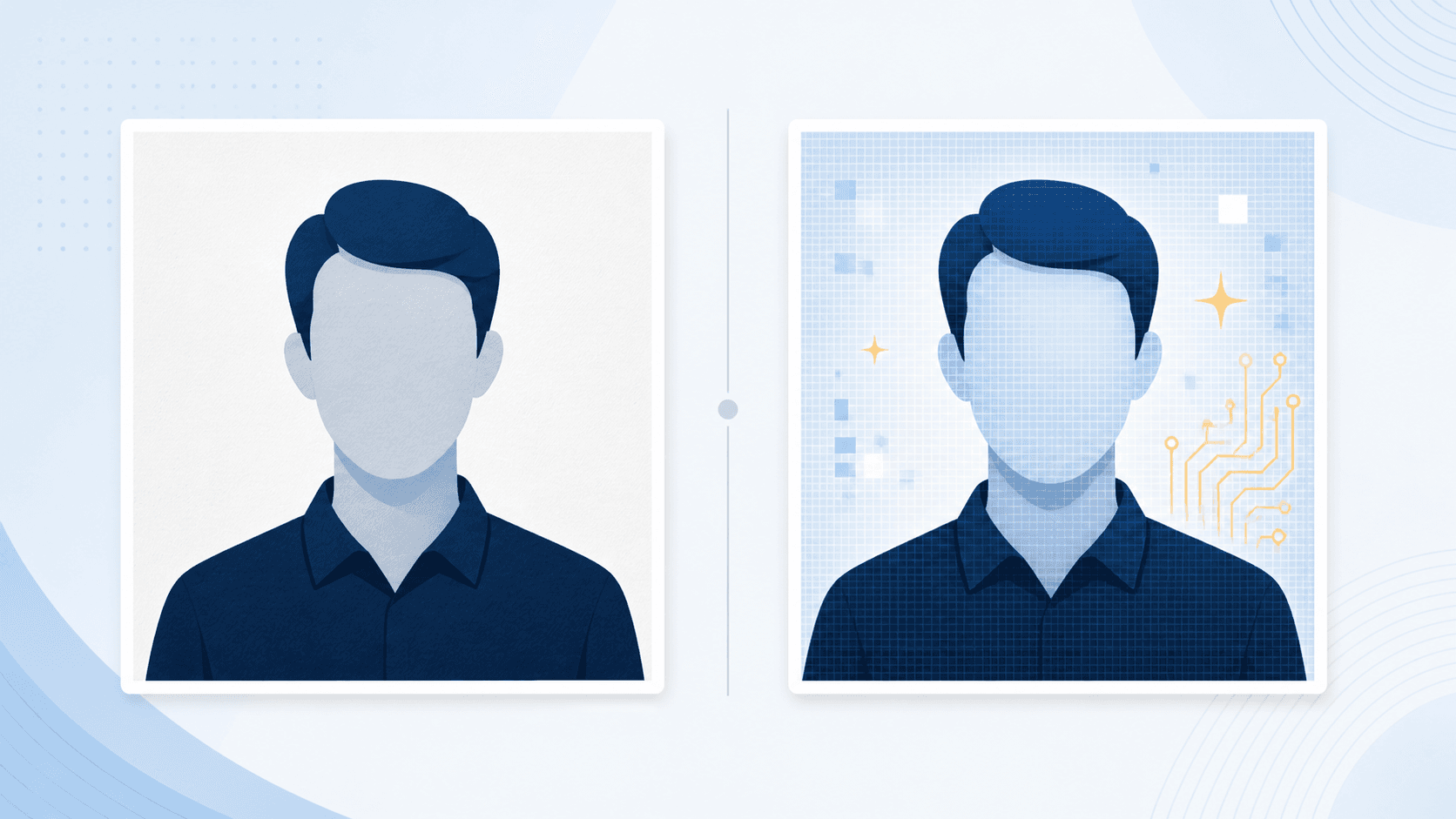
Do not use AI to generate, retouch, enhance, or replace the background of a U.S. passport photo. The State Department requires an original, unedited photo. A tool that checks the photo without changing it serves a different purpose: it can flag risks, but it cannot approve your application.
For example, turning a blue wall white with AI changes the image. Checking whether your real white wall has a shadow leaves the original intact. If lighting, background, or red-eye is wrong, retake the photo; the official online-renewal application lets you adjust the crop during upload.
What the State Department says
The State Department photo rules require an original, unedited photo without filters or digital changes. Its online-renewal upload guidance also prohibits retouching tools that change your appearance. AI generation, enhancement, and background replacement conflict with those requirements.
An employee still reviews an online-renewal photo after submission.
That means a clean-looking result is not enough. A photo can still be unsuitable if a tool changed the original image.
What AI gets wrong
Passport photos are identity documents, not portraits. AI tools can subtly change the outline of the head, face, neck, hair, skin texture, eye shape, background edge, or lighting. Even when the result looks clean, it may no longer be an original image.
This is why a retake is safer than a digital fix. Better light, a plain wall, and a little more distance from the background solve many problems before an app has a chance to alter the file.
AI background cleanup is still a problem
A common mistake is taking a photo against a bad background and then using an app to make it white. That may look acceptable at a glance, but it can alter the outline of the face, neck, shoulders, or hair.
Use a real plain white or off-white background instead. If the background has shadows or objects, retake the photo.
What you can do instead
- Move several feet away from a plain white or off-white wall to reduce background shadows.
- Use even natural light or soft light facing you, rather than trying to brighten one side afterward.
- Take more than one original photo and choose the sharpest one before uploading.
- If you are renewing online, keep the original file on the device you will use for the application. Do not text it to yourself or scan a print.
- Use a photo checker to identify risks, then retake the original if there is a problem.
What about PassportSnapper?
PassportSnapper is not an AI passport photo generator. It checks and formats your real photo. It does not retouch your face, replace the background, apply filters, generate a new person, or make AI changes.
The practical difference is important: validation helps you decide whether the original photo is usable. Generation or retouching changes the photo itself. See what a passport photo checker can and cannot check before relying on any automated result.
Safer workflow
- Take a new color photo in even light.
- Use a real plain white or off-white background.
- Remove glasses, hats, face coverings, and headphones unless an exception applies.
- Keep your head straight, eyes visible, and mouth closed.
- Upload the original file before editing it.
- Retake the photo if it fails instead of digitally fixing it.
For online renewal, start with the digital passport photo checker. For a printed paper application, use the print-ready passport photo checker.
Questions about AI edits
Can I use AI to make the background white?
No. Use a real white or off-white background and retake the photo if the background is wrong.
Can I remove red-eye with an app?
No. If the photo has red-eye, take a new photo in better light.
Can I use an AI headshot as a passport photo?
No. Use an original photo taken within the last 6 months.
Can I use the government upload tool to crop my photo?
For eligible online renewal, the State Department application lets you reposition or crop an original photo during upload. That does not make filters, retouching, background replacement, or AI changes acceptable.