

Can you upload a scan?
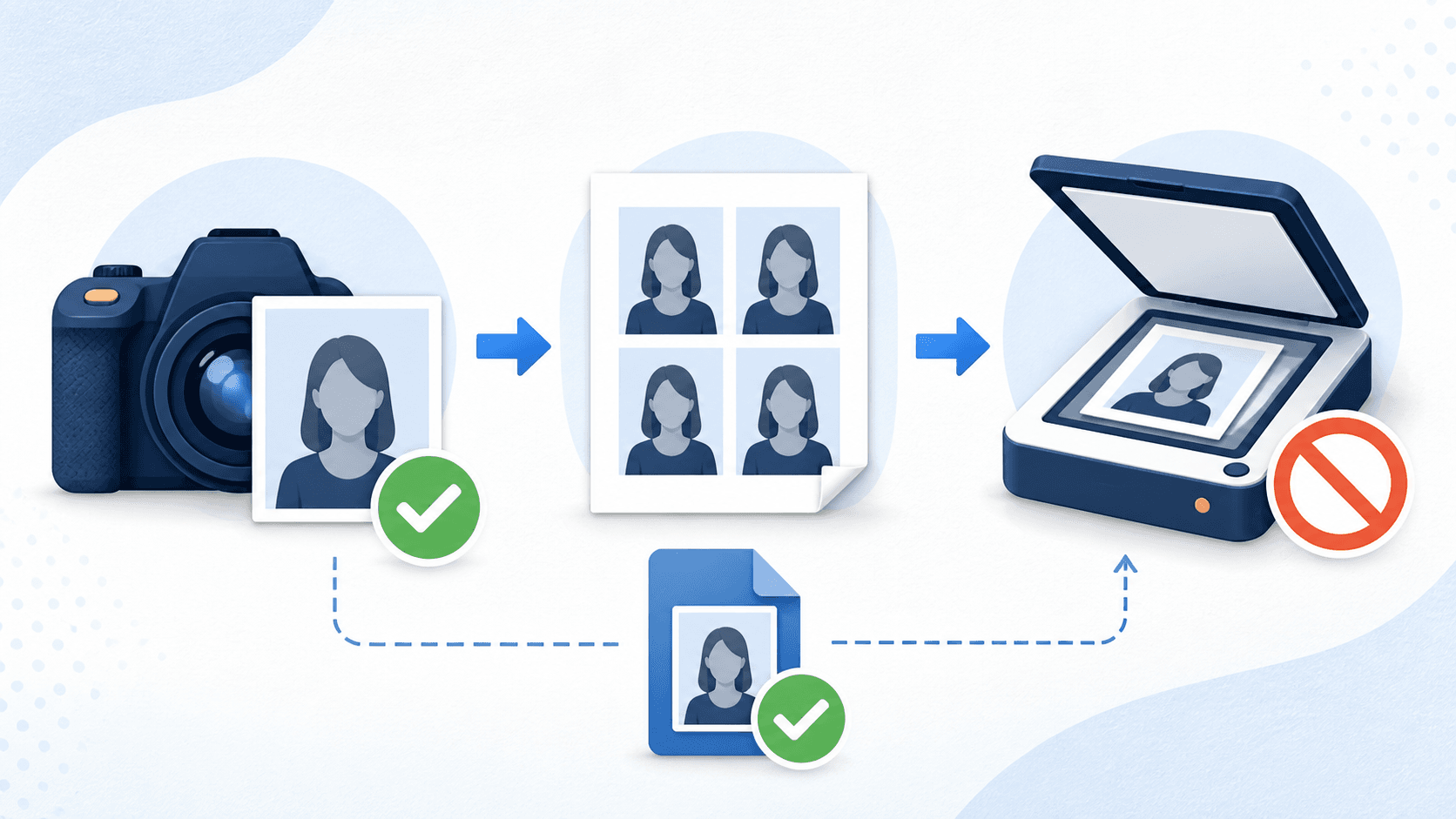
No. For U.S. online passport renewal, do not scan a printed passport photo and do not take a picture of a printed photo. The State Department's digital upload guidance rules both out. Upload the original digital image from a phone or camera, in an accepted file type and size.
If you already paid for prints at a store, ask whether the store can send you the original camera file. A scan of the prints will not meet the online renewal rule.
What counts as the original digital image
The rule is about the source: use the digital camera image, rather than a new image made from a print. A JPEG extension and the right file size cannot make a scan acceptable. Check online-renewal file sizes and formats once you have the original.
| What you have | Can you upload it? |
|---|---|
| The camera file from your phone or camera | Yes, if the photo meets all the visual rules |
| A digital copy emailed by the photo store, from their camera | Yes, if it is the original capture and meets all rules, including recency |
| A scan of a printed photo | No |
| A phone picture of a printed photo | No |
| A screenshot of the photo | No, use the actual file |
| A copy that arrived by text message | Risky; compression may have reduced quality below what review expects |
The store-copy row deserves a note. Some retail photo counters email a digital copy with purchase. If that file is the store camera's original capture, it is not a scan — it is an original digital image, and the question becomes whether it meets every other rule. If all you have is the prints, though, no amount of careful scanning turns them back into an original.
Why the scan shortcut backfires
Every generation between the camera and the upload loses information and adds artifacts. A print introduces printer dots and paper texture. Scanning or photographing that print adds glare, dust, moiré patterns, color shifts, and perspective distortion — these can make the image less clear. The upload portal's automated check runs at submission, and an agency employee reviews the photo afterward.
There is also a second trap hiding inside the reuse plan: recency. A U.S. passport photo must have been taken within the last six months. Check the original capture date before reusing any file. A clear image taken more than six months ago is too old for either application route.
What to do instead
Take a new photo. It costs nothing with a phone, and it resets both the provenance and the recency clock:
- Use a real plain white or off-white background with even lighting and no shadows.
- Have someone else take the photo from several feet away, with your head centered and facing the camera straight on.
- Keep both eyes open and visible, remove glasses unless a documented exception applies, and avoid showing teeth.
- Save and upload the highest-quality original file from the device, without texting it, screenshotting it, or running it through an editing app.
Our guide to taking a passport photo at home walks through the setup in detail.
What if you already paid for prints?
The prints are not wasted — they are just for a different route. A paper application uses a printed 2 x 2 photo on photo-quality paper. Check your prints for correct measurements, quality, recency, and all visual requirements before using them. If you are renewing online, set the prints aside and produce a fresh digital original.
If you take a fresh original, the digital passport photo checker validates your own photo for free and produces the upload-ready file for $8, and the print-ready checker does the same for a 4x6 print sheet.
Questions about copies and scans
Can I scan the passport photos I got at a store?
Not for online renewal. If the store emailed you their original digital capture, that file may be usable if it meets every rule, including recency. The prints themselves are only for paper applications.
Can I upload a photo of a printed passport photo?
No. The digital upload guidance rules out pictures of prints as well as scans. Take a new digital photo.
Can I use a screenshot of my photo?
No. A screenshot is a lower-quality copy, not the original file. Upload the camera file itself.
My printed photos are from last year. Can I reuse them at all?
No. A passport photo must be taken within the last six months, so photos from last year fail on recency for any route, printed or digital.