
What you need for a home passport photo
Yes, you can take a U.S. passport photo at home if the photo meets the same rules as a store photo. Use a recent color image, a plain white or off-white background, even lighting, a face-forward pose, correct framing, and no filters, retouching, background replacement, or AI changes.
Set up the background first
Use a plain white or off-white wall, sheet, or smooth backdrop. The background should not have texture, shadows, wall lines, furniture, doors, patterns, or objects.
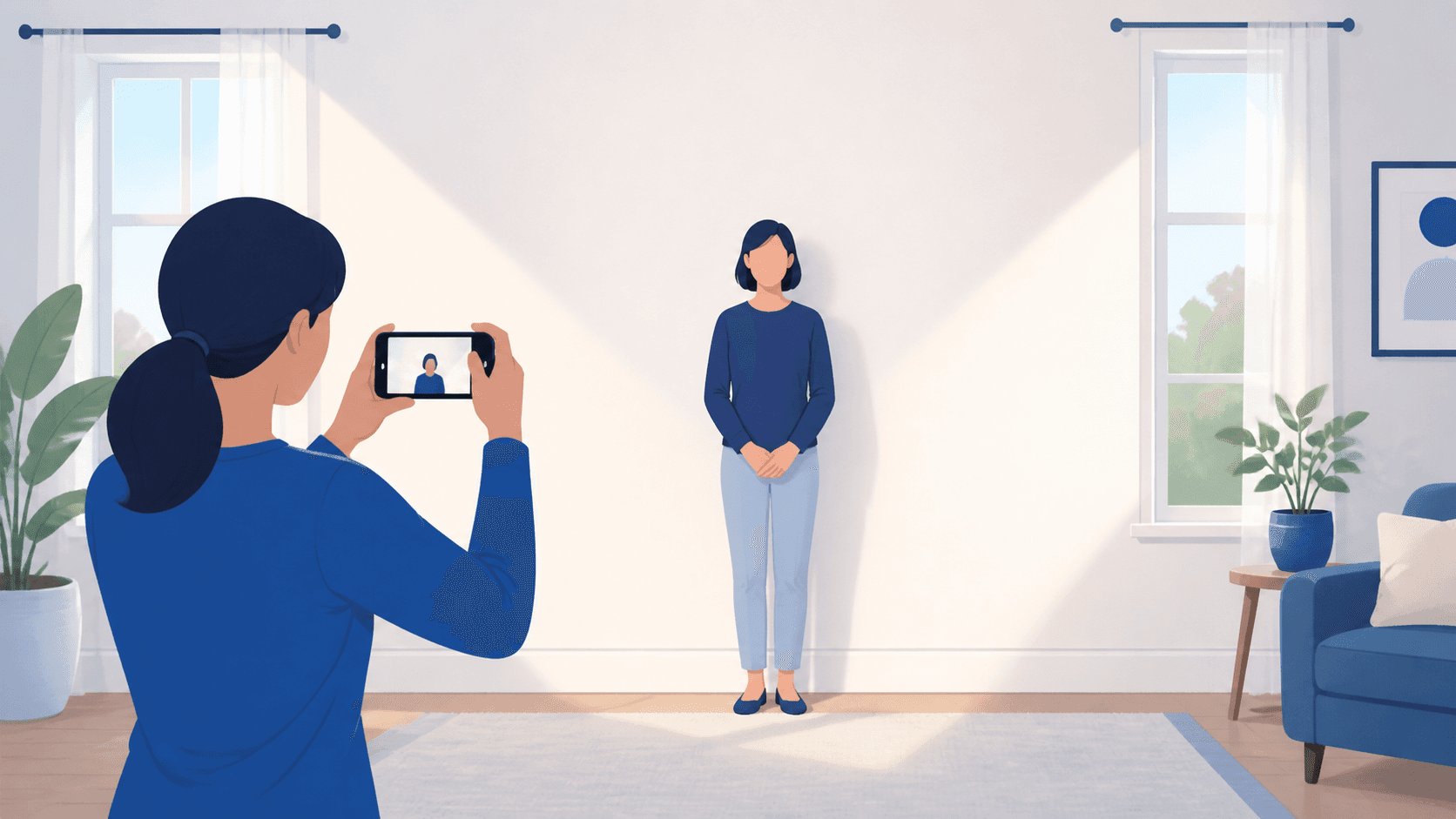
Stand several feet away from the background instead of directly against it. That distance helps reduce shadows behind your head and shoulders.
Use soft, even light
The safest home setup is indirect daylight facing the person, not bright light from one side. Avoid overhead-only lighting because it can create shadows under the eyes, nose, and chin.
Before you take the final photo, look for these problems:
- One side of the face is much brighter than the other.
- The background has a visible body shadow.
- The face looks washed out, blue, red, blurry, grainy, or pixelated.
- The photo has red-eye.
If the lighting is wrong, retake the photo. Do not fix it with an editing app.
Pose and frame the photo
Face the camera directly with your head straight and shoulders square. Keep both eyes open and visible. Use a neutral expression or a natural closed-mouth smile.
Leave extra room around your head and shoulders. A photo that feels slightly too zoomed out is usually easier to crop correctly than one taken too close. For printed U.S. passport photos, the final photo must be 2 x 2 inches and the head must be correctly sized inside that square.
What to remove
Take off eyeglasses, sunglasses, hats, headphones, uniforms, camouflage, masks, and anything covering your face unless a documented religious or medical exception applies.
Hair can cover your ears, but it should not cover your eyes or facial features.
Do not edit the photo
The State Department says to submit the original, unedited photo. Do not use filters, face retouching, red-eye correction, background replacement, AI cleanup, or an AI-generated passport image.
If the lighting or background is wrong, change the setup and retake the photo. Digital cleanup can make the image unacceptable.
Check it before you submit or print
After you take the photo, use PassportSnapper to check the rejection risks before paying for the final output. Use the paper application photo checker if you need a print-ready 4x6 sheet, or the digital upload checker if you are eligible for online renewal.
Home photo questions
Can I take the photo with my phone?
Yes. A phone photo can work if it is sharp, high quality, recent, unedited, and taken with the right background, lighting, pose, and framing.
Should I use portrait mode?
Avoid portrait mode, beauty mode, filters, and background blur. Use a normal camera mode so the image looks like an original ID photo.
Can I crop it myself?
You can crop a photo, but crop alone is not enough. The photo still needs correct head size, background, lighting, expression, quality, and no digital changes.